SSh
Section outline
-
-
Find Ubuntu machine ip from router , Use Power shell or terminal
suppose machine ip is 192.168.1.111 then type following
ssh dev@192.168.1.111this will ask to accept accept finger print Type
yesThen machine will ask you for password , Password will not be visible , Type password "Mahadev@123"
Mahadev@123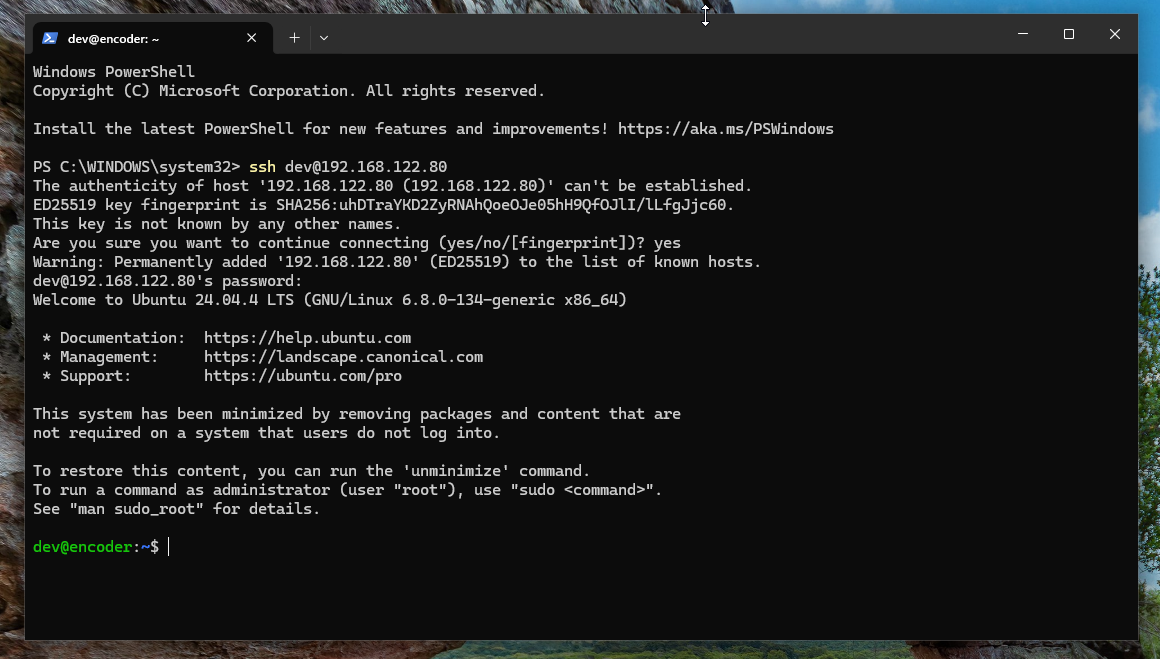
Not , need to have root user , for login type "sudo -i" ( keep everything in small letters ) and enter Password "Mahadev@123"
sudo -i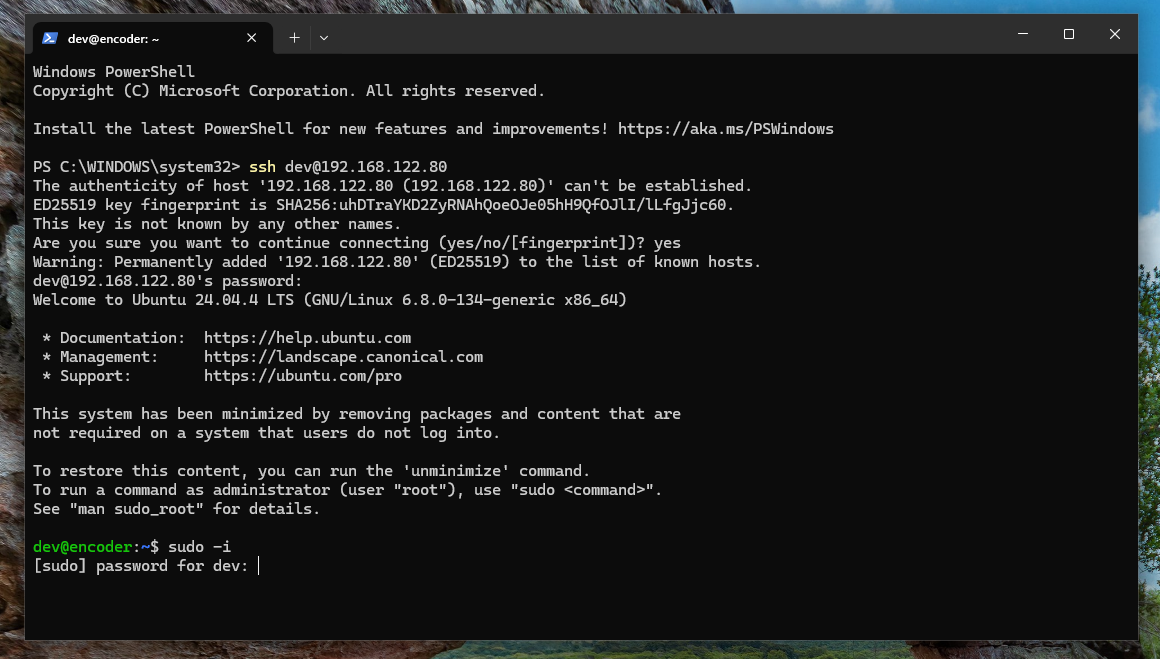
After entering password terminal will show root as user
root@encoder #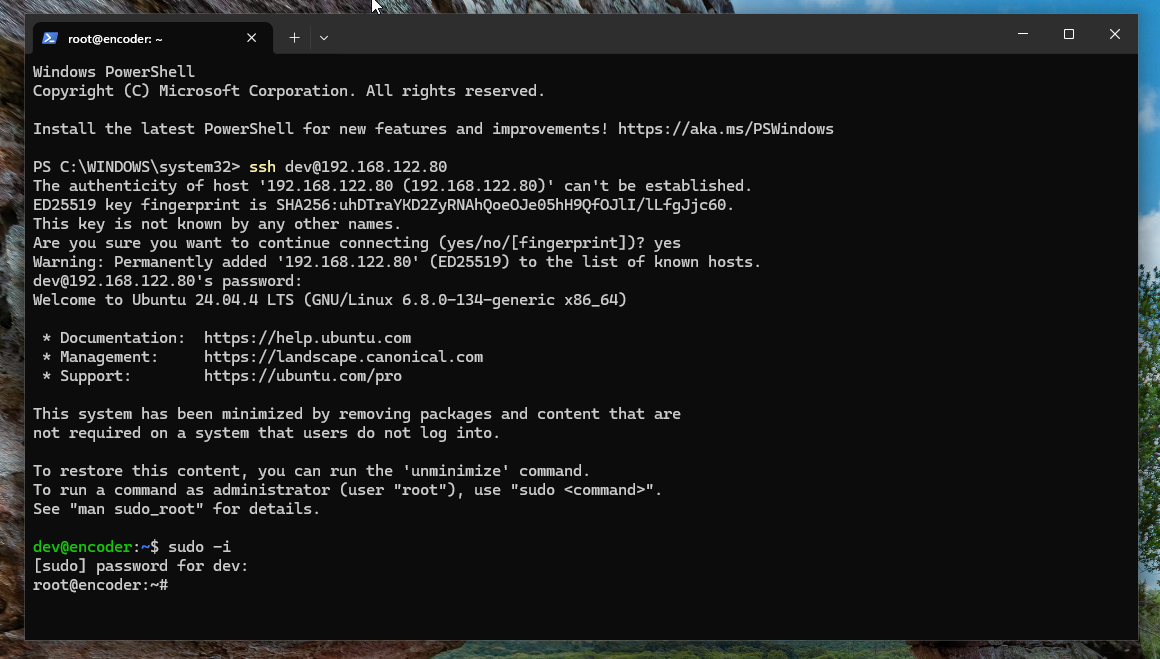
First copy following code and pest in terminal , If you are in windows select power shell and right click on mouse , For linux / mac user pest using ( ctrl + shift + v ) or ( Home + v )
cd /tmp;
apt install git -y;
cd /tmp;
git clone --depth 1 https://git.urmic.org/hw_partner/urmic_digital_encoder_decoder.git;
cd urmic_digital_encoder_decoder;
chmod +x install.sh;
./install.sh
After pesting this code hit enter , wit for few minutes , system will auto reboot ,
This will install Urmi Universal Encoder Decoder ( INTELQSV ) in machine and you can login using following credential in https://{Your_ip}:8080
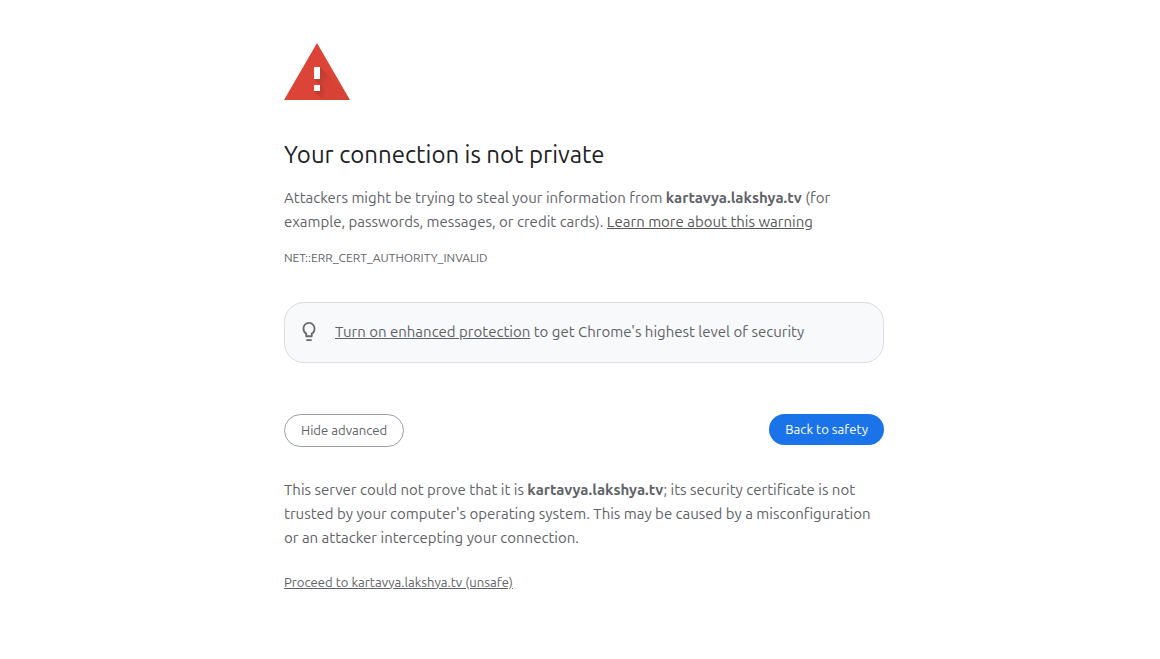
Here you might see ssl error , but this is normal just selecct "advance" and then click on " Proceed to (unsafe)"
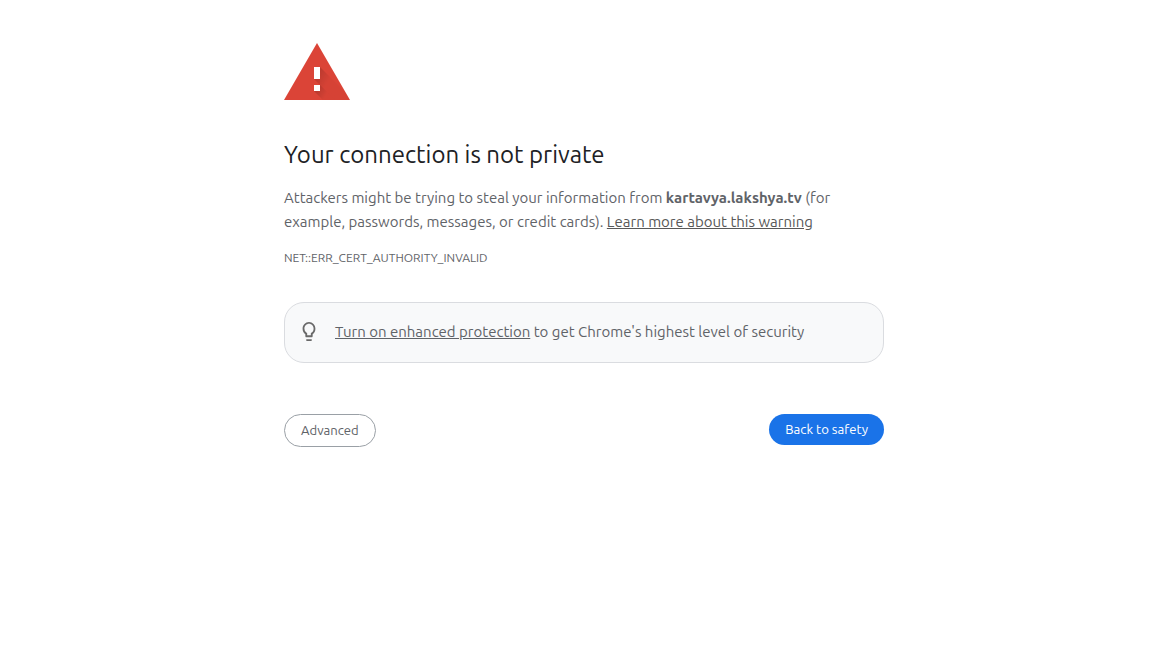
Just click on advance and then proceed
Now you will see login screen ,
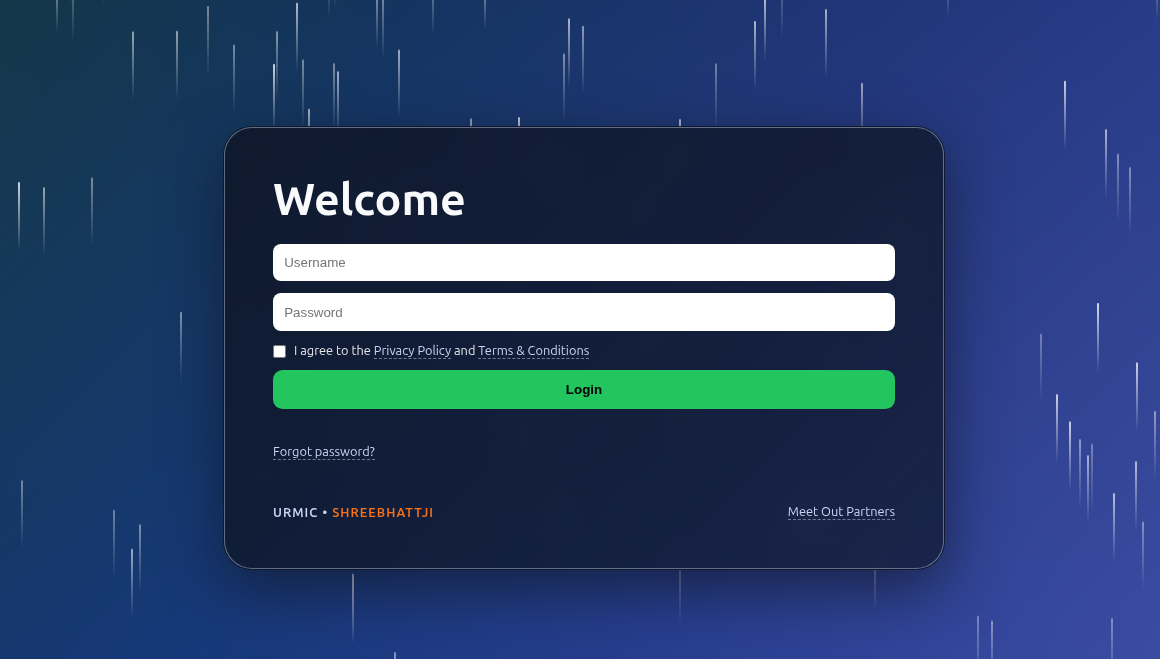
Default username , password and port

username :- shreebhattji
password :- foreverstreamingpartner
port :- 8080

Loin Ip will be
https://IP:8080
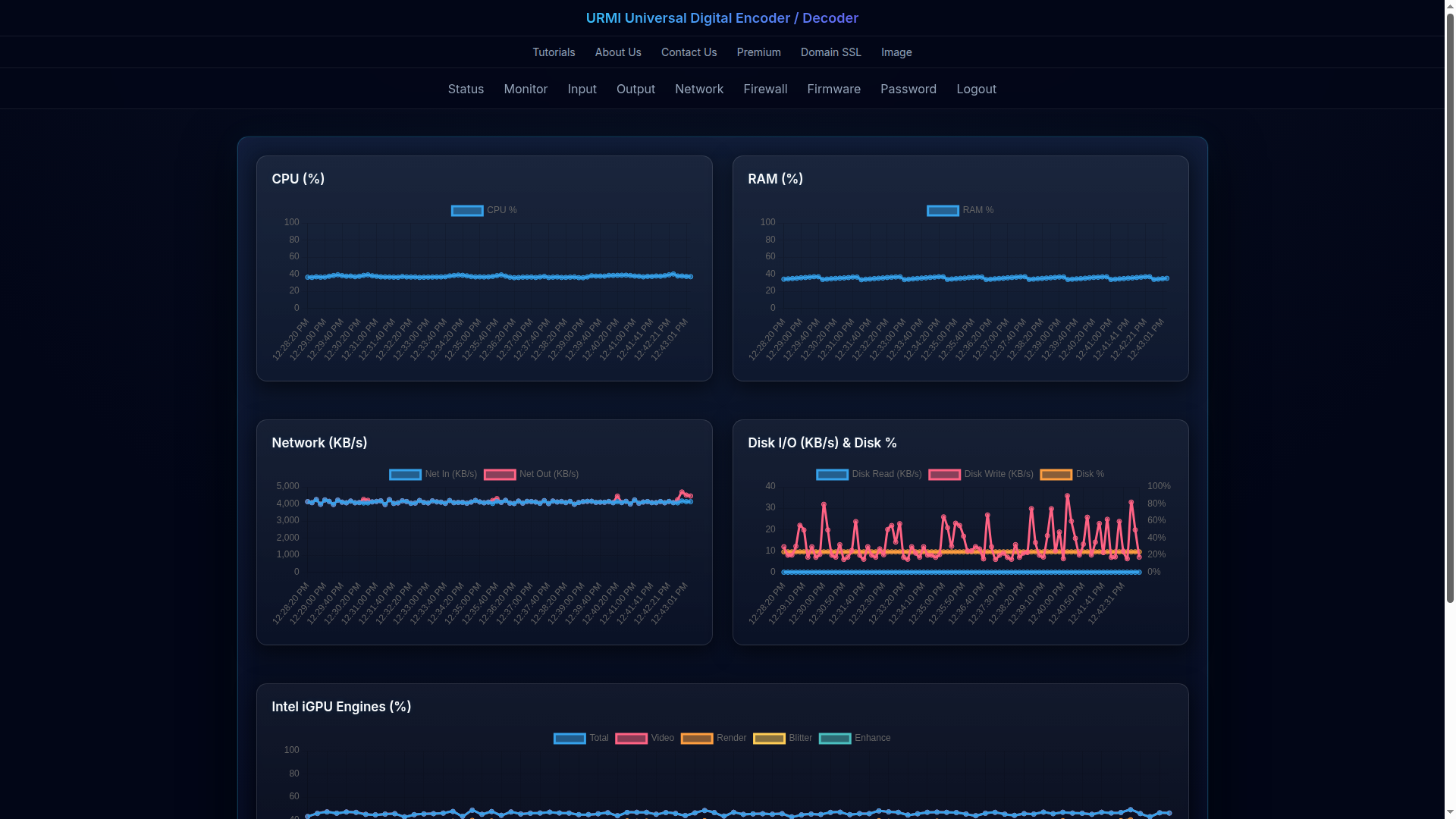
If password is right then you will land at monitor screen like this
Congratulations , You now hold Universal Encoder / Decoder and power to stream any and all locations
-