Ubuntu 24.04 installation
Section outline
-
-
After Booting from USB you be viewing this
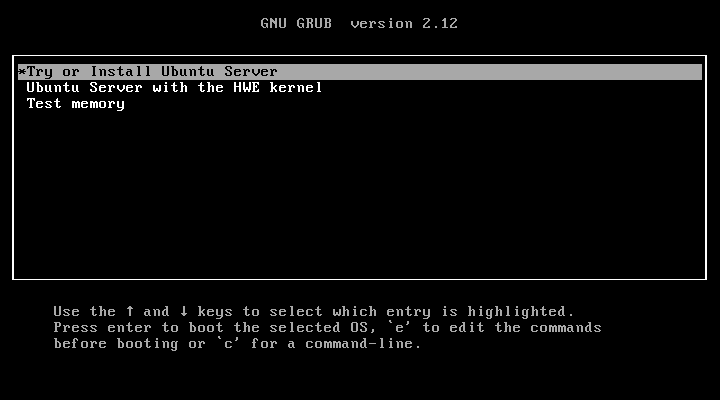
Select "Try or Install Ubuntu Server " Press Enter
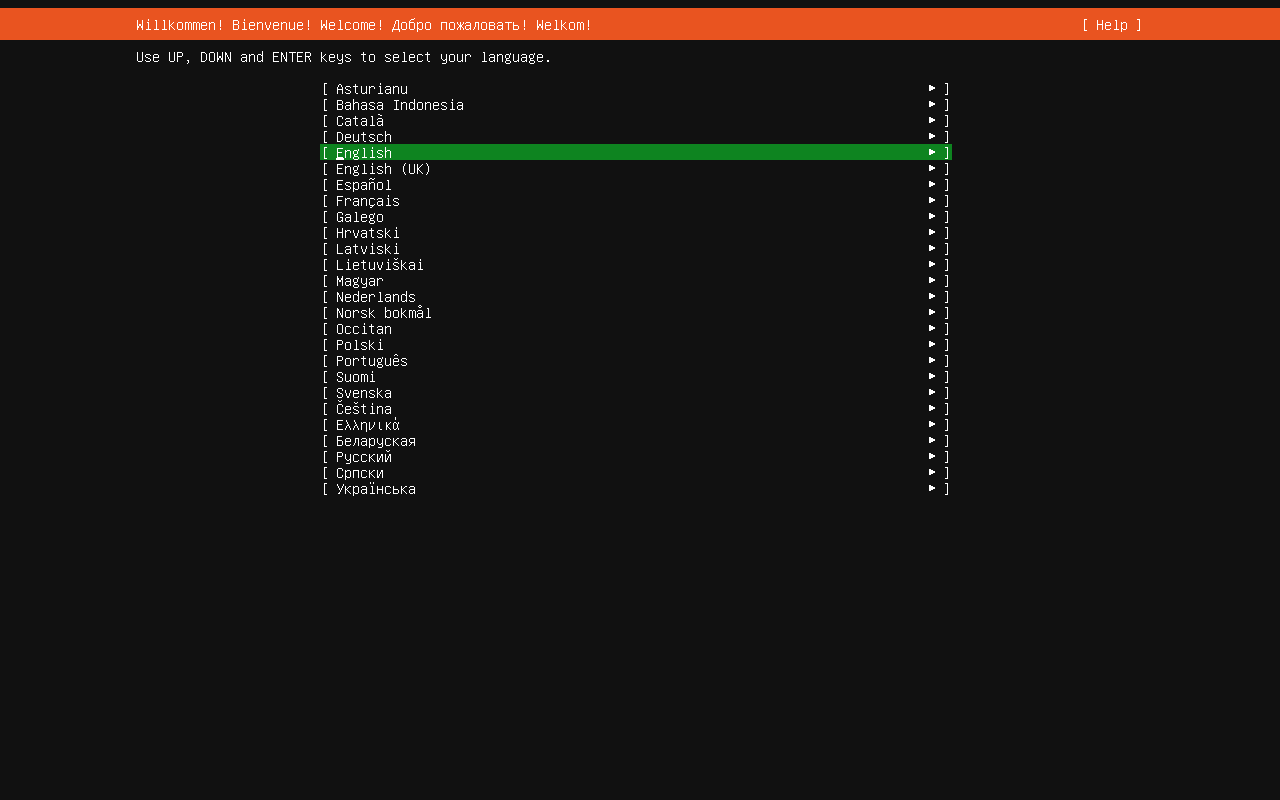
Select English Language
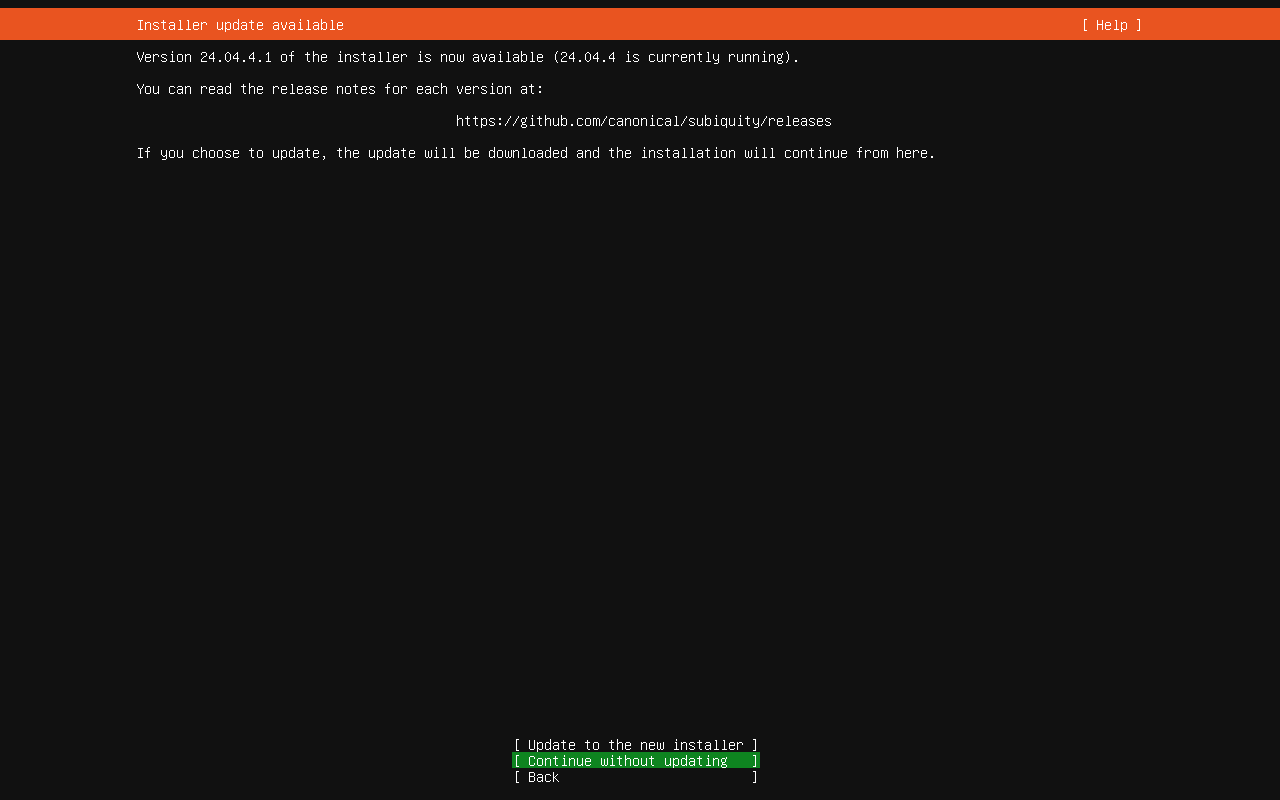
Do not update installer just continue without Update
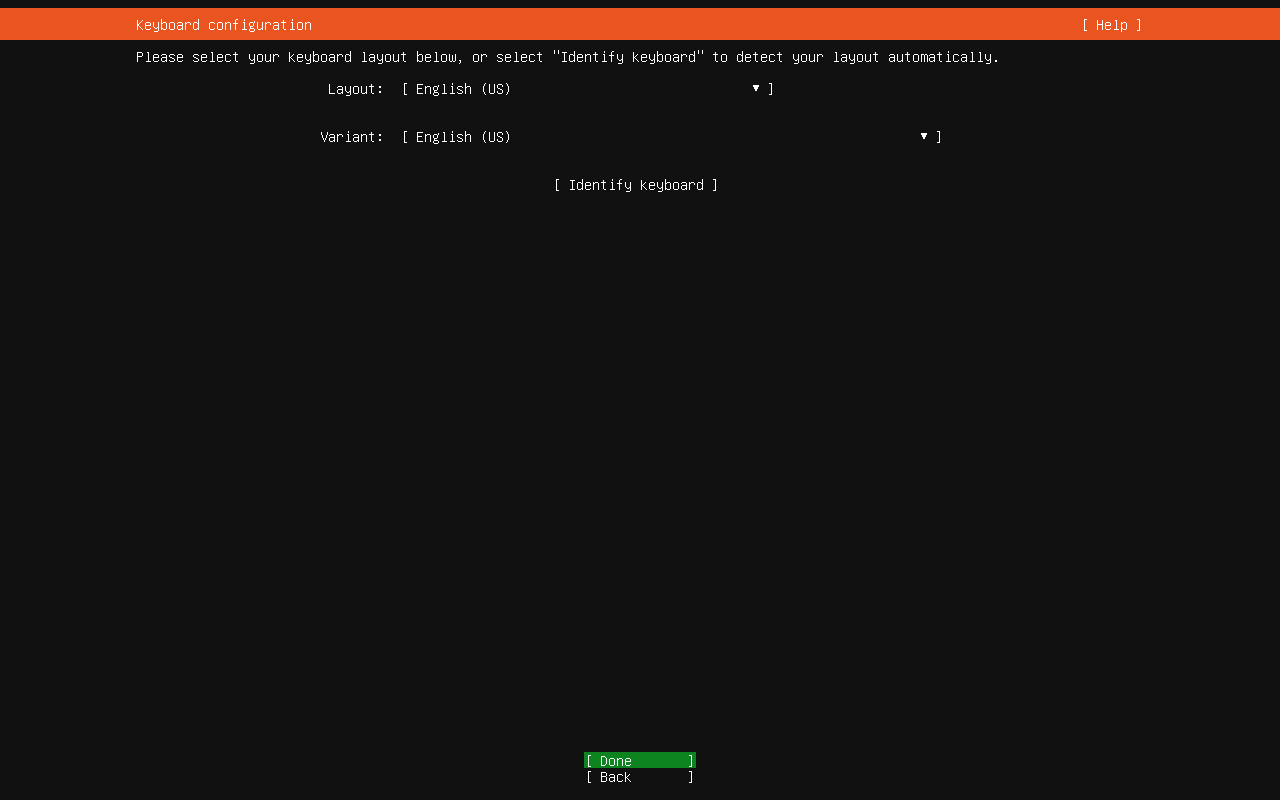
Just Press enter Once more
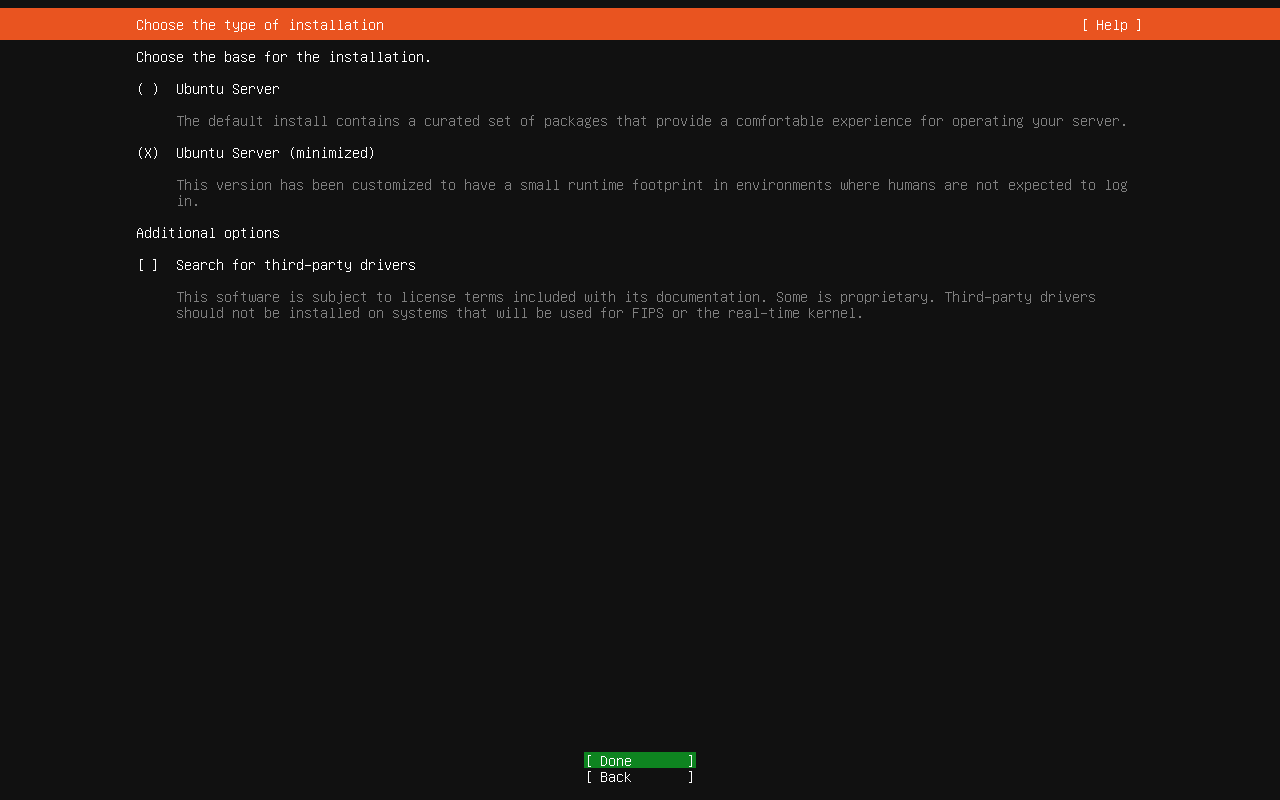
Select Ubuntu server minimize , use arrow key for focus and space to select , After selection focus on Done and Press Enter
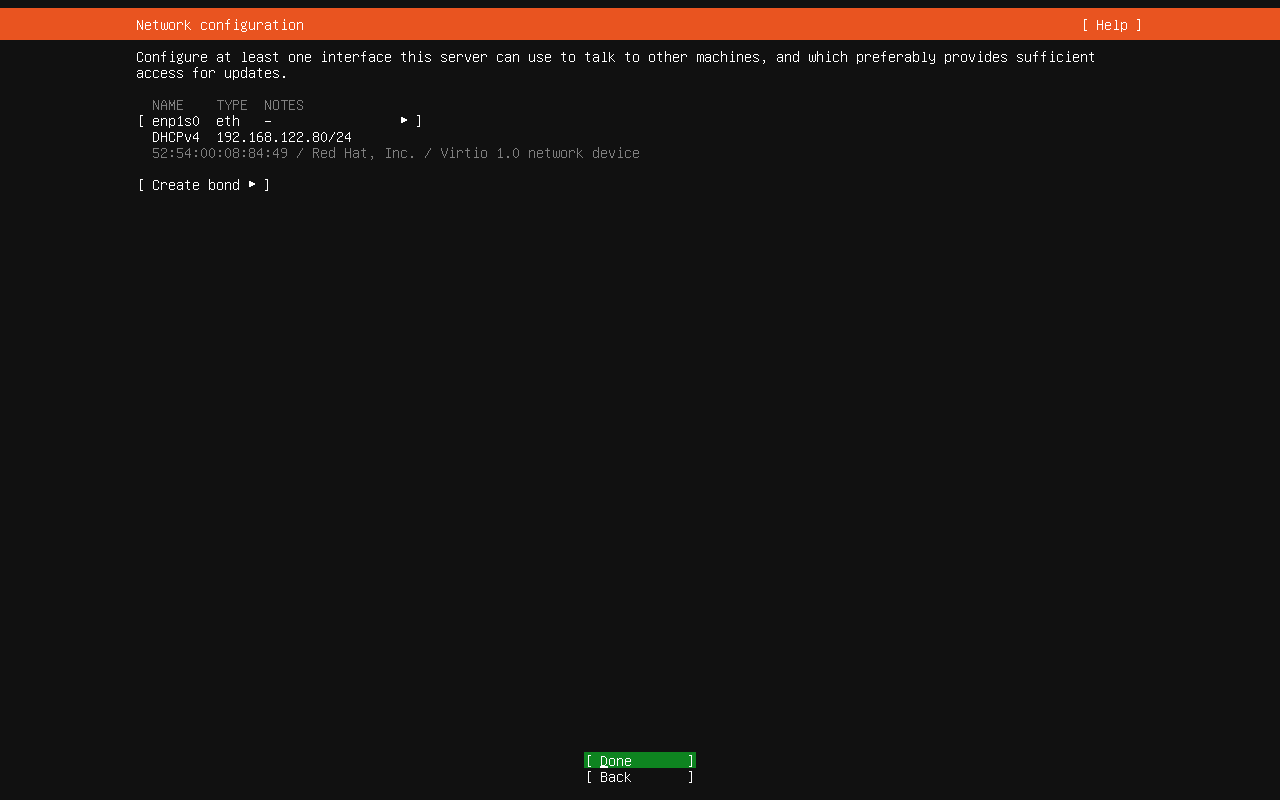
Wait for few seconds , this will show you DHCP ip , If DHCP ip not shown Check LAN cable , hit back and then Done wait for 2-3 sec
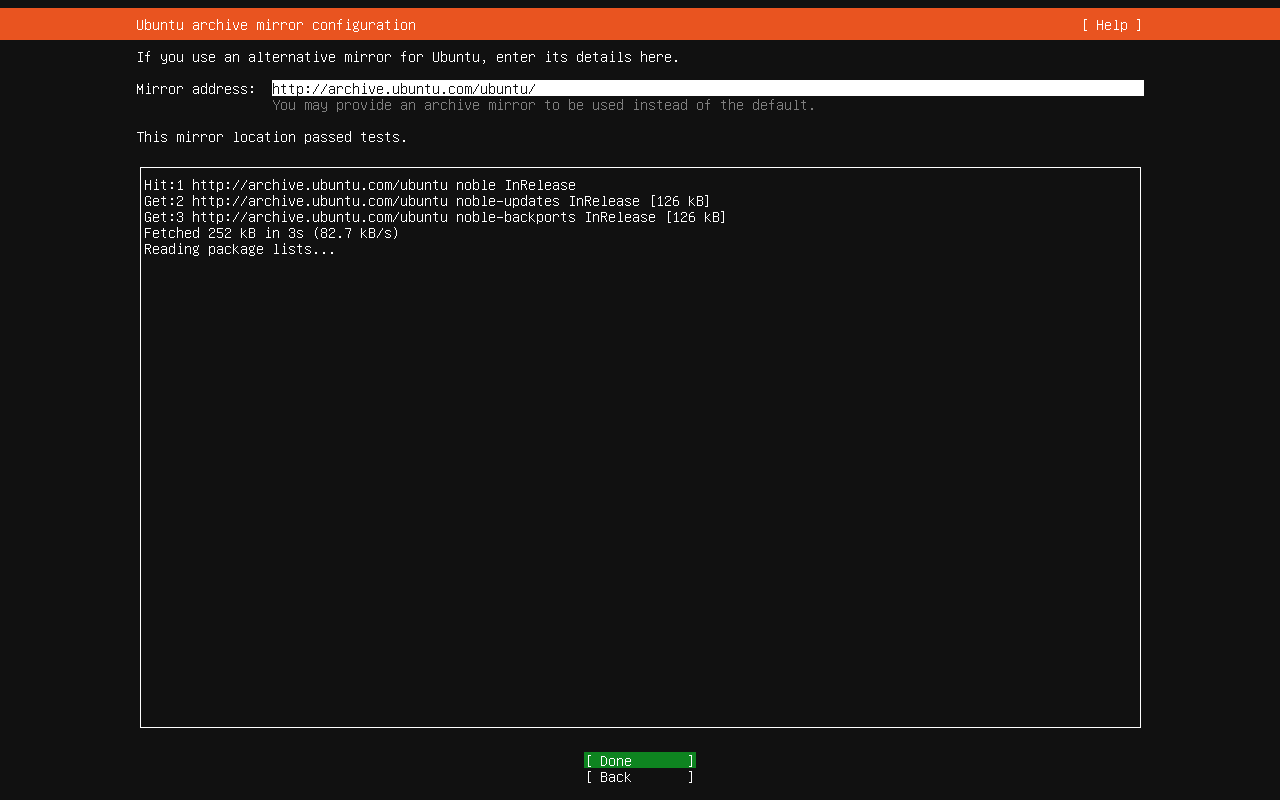
Wait for few seconds so that , Wait until Ubuntu test mirror , Once completed select Down , this will take up to 2 minutes , depends on your internet speed
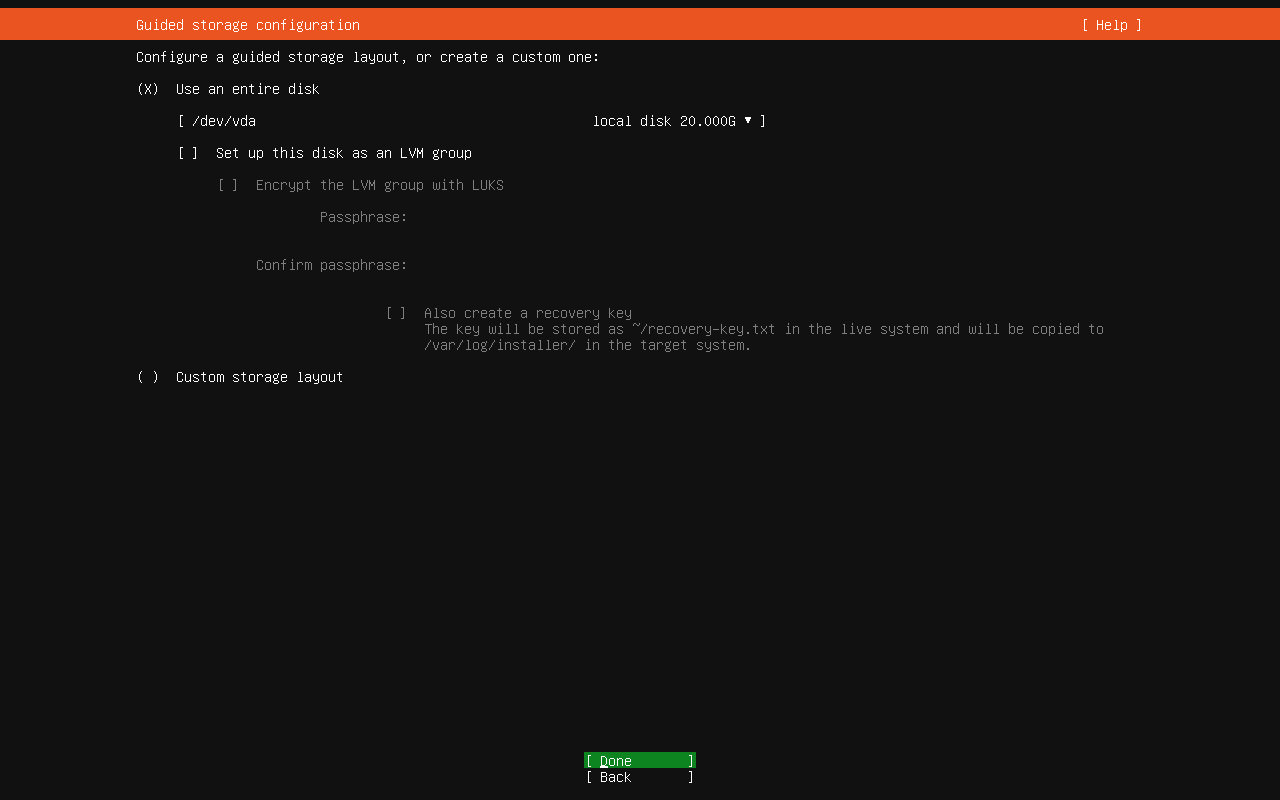
De-Select "Set up This disk as an LVM group" then select Done
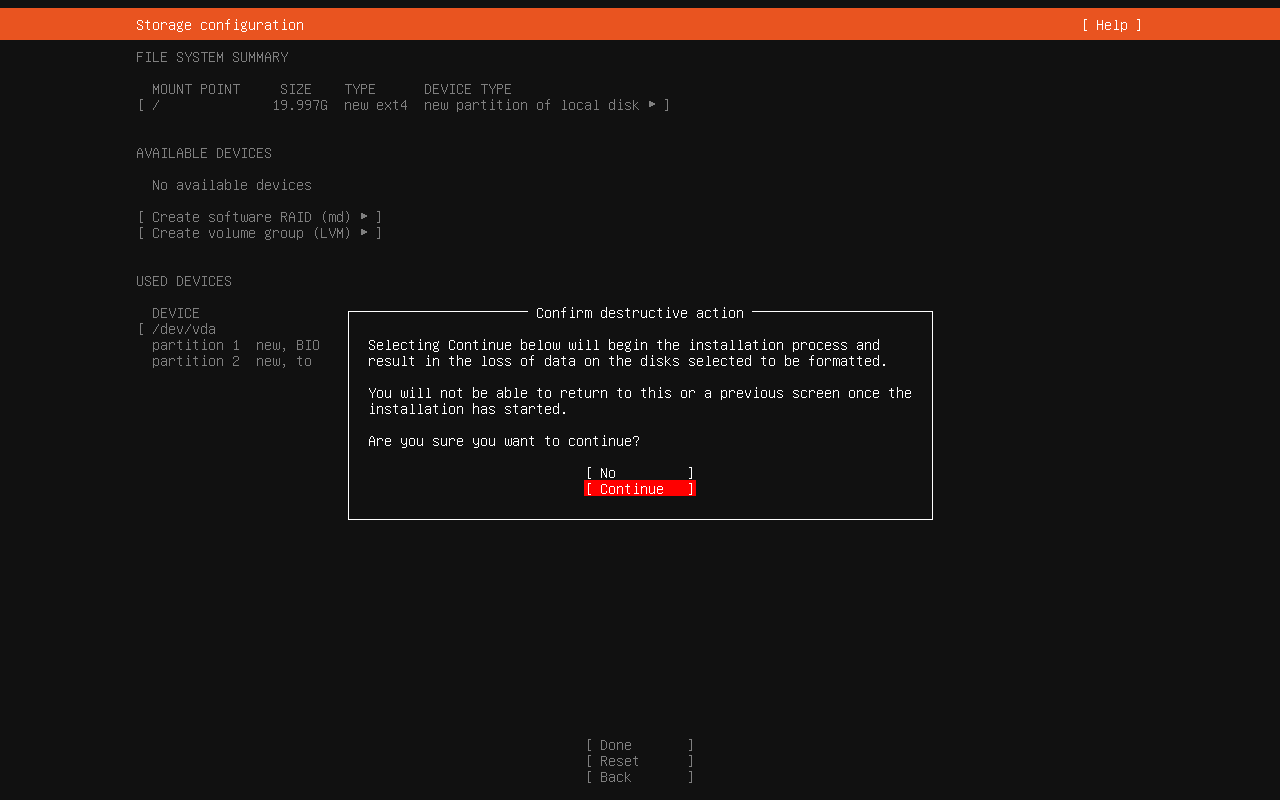
On next page select Done and then continue
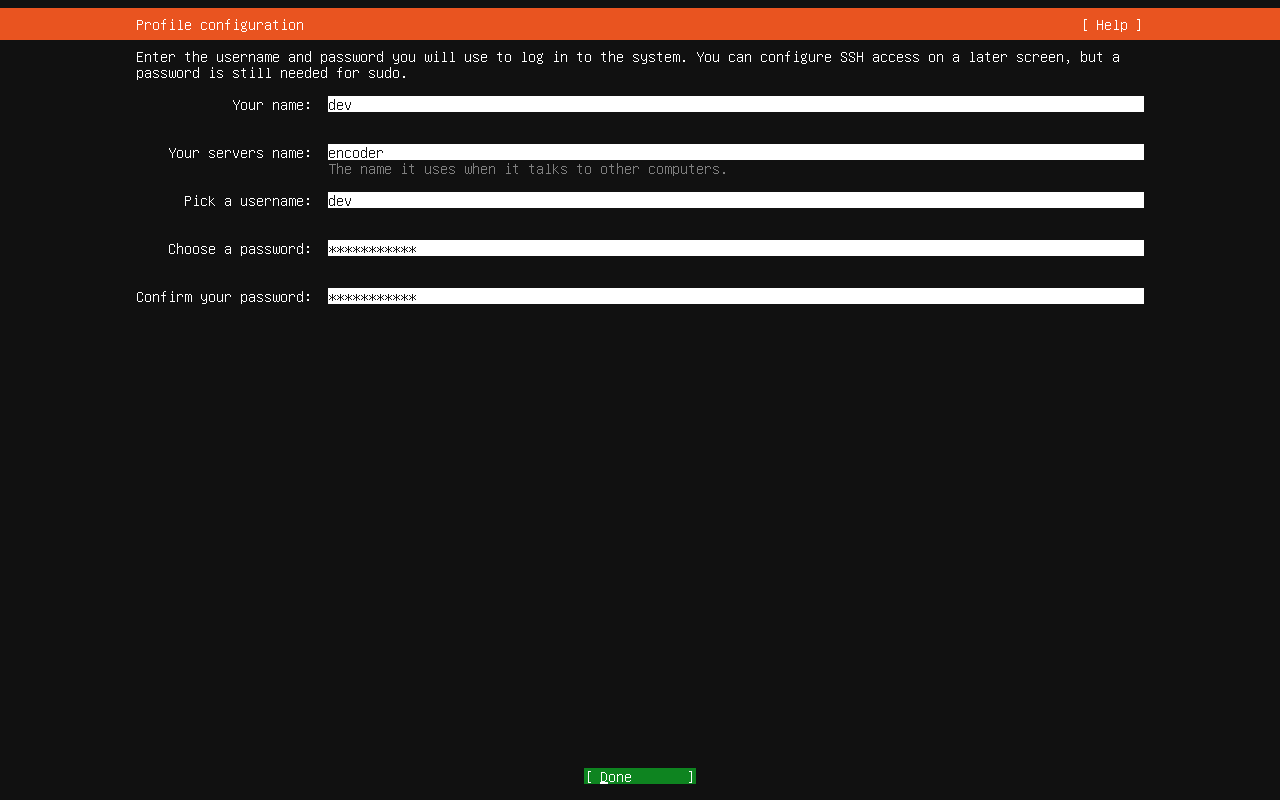
Enter This details same as provided or firmware upgrade will not work
Your name :- dev

Your servers name :- encoder

Pick a user name :- dev

Choose a Password :- Mahadev@123

Confirm your password :- Mahadev@123
Than select Done
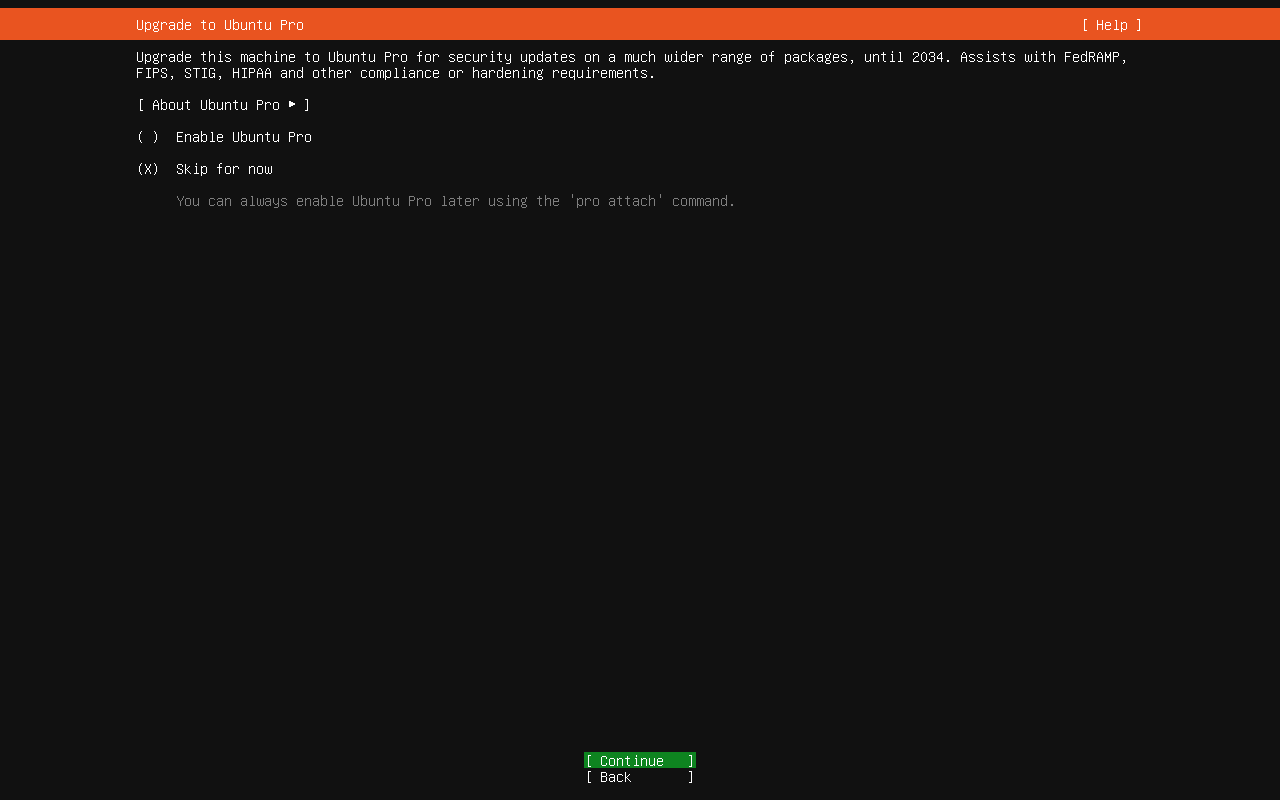
select Skip and Continue
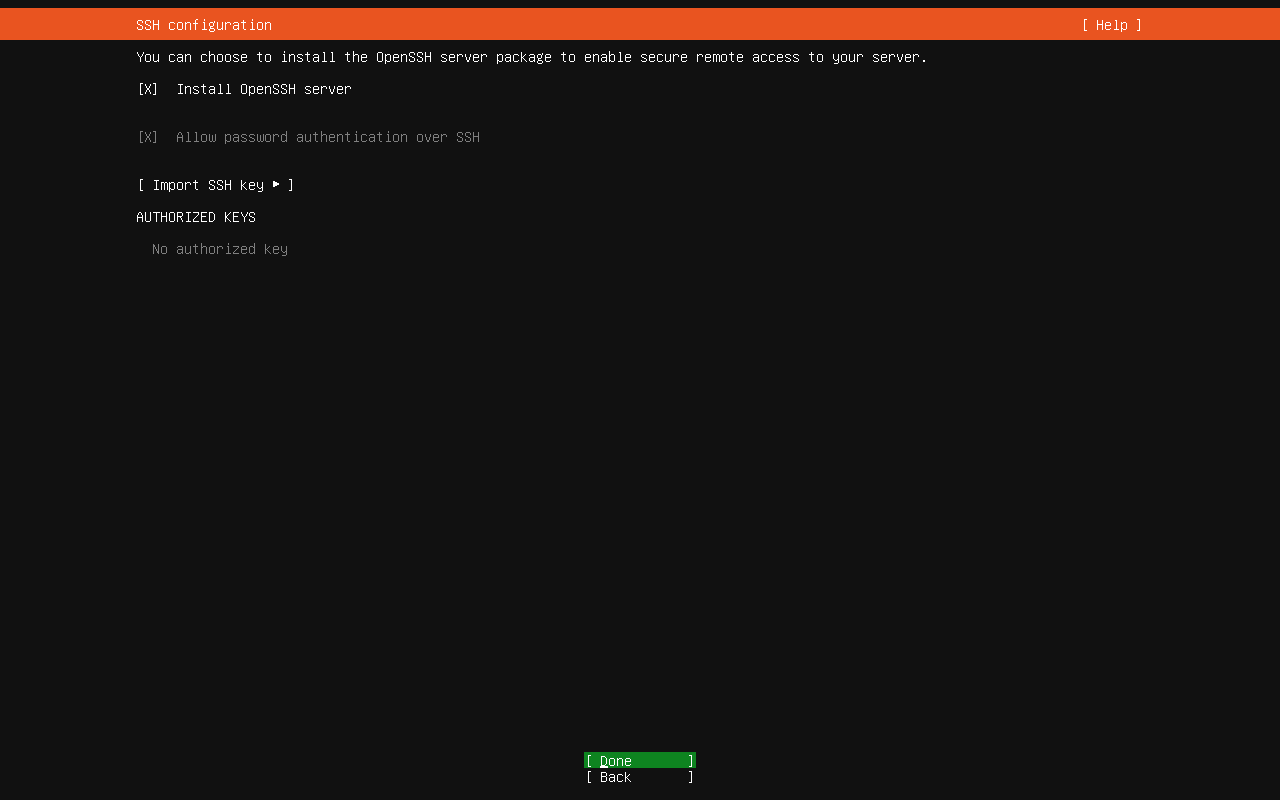
Select Install ssh server and then select Done
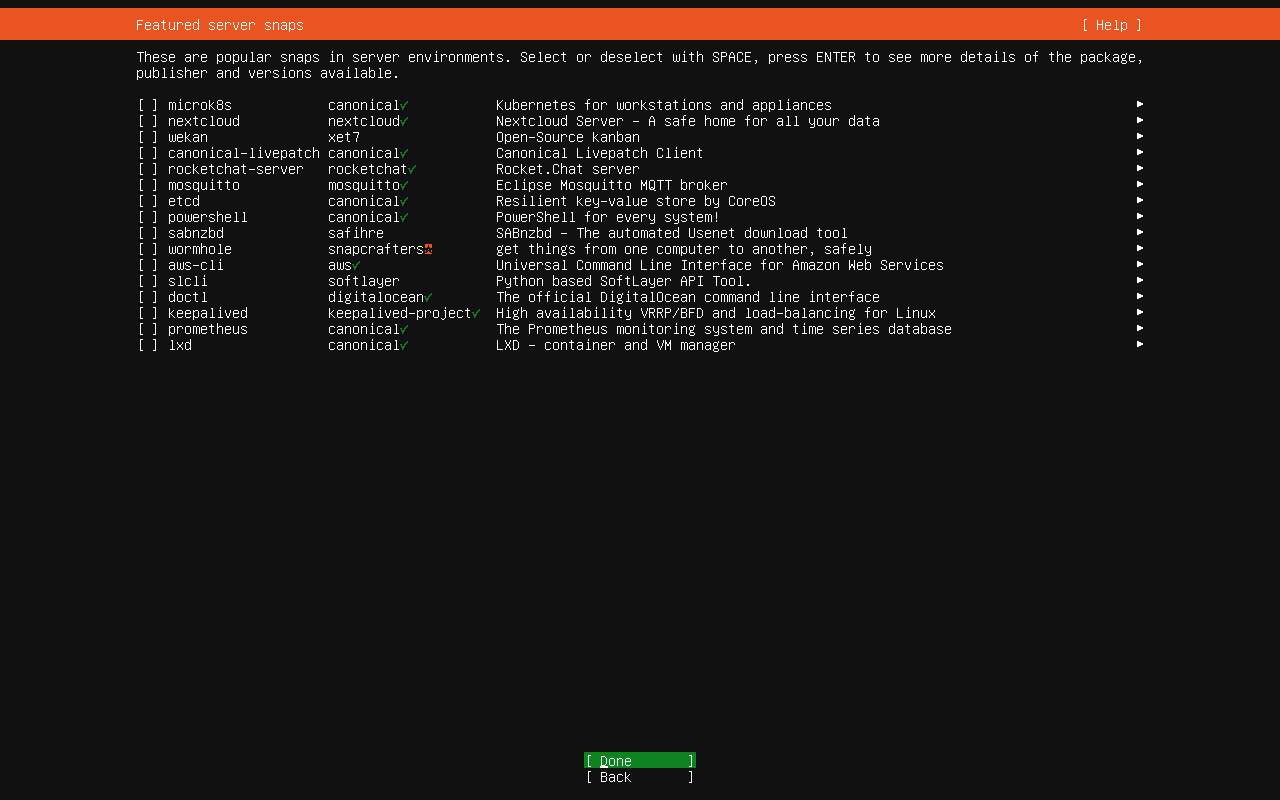
Do not select any software just hit TAB and Select Done
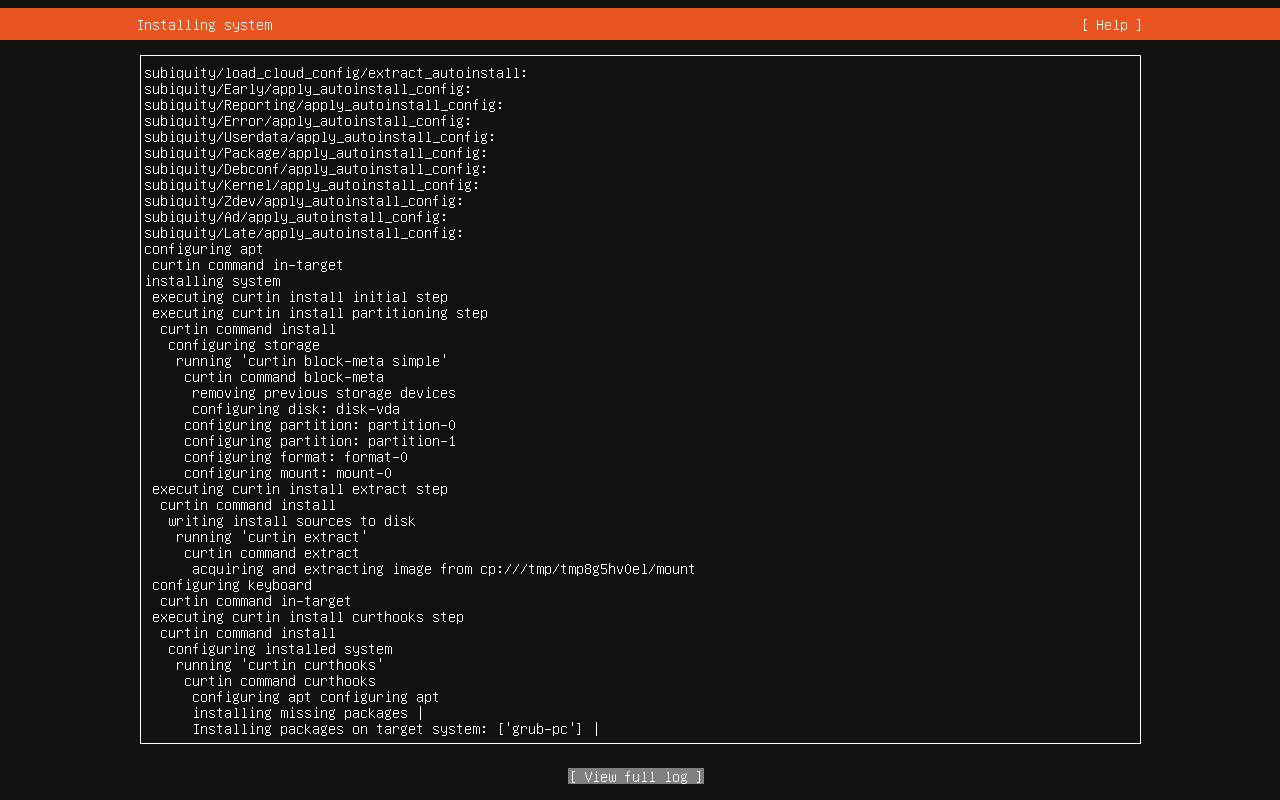
Now Wait Ubuntu installation started , time will depend on your internet speed and machine configuration
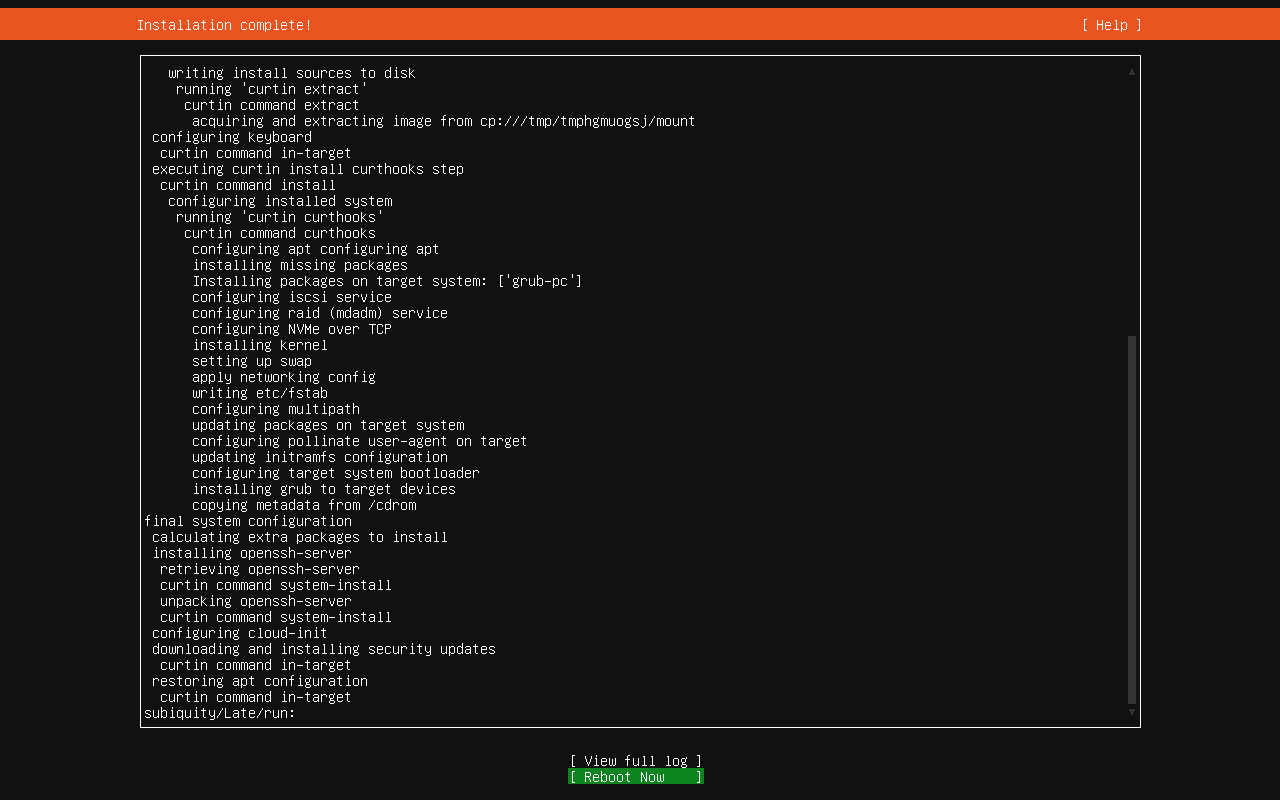
Once Installation finish screen will ask you to reboot .

Remove Pen drive and Hit enter , Decide will reboot , After Reboot following screen will be visible .

Congratulation Now system is ready to install all king of software .
-